Installing Casters So They Actually Last
Even a well-specified caster fails early if it is installed wrong. Mounting holes that do not match, uneven bolt torque, mismatched swivel and rigid corners, and brakes fitted on the wrong side all turn a good caster into a maintenance headache. Correct installation is a matter of matching the mounting style to the equipment frame, arranging swivel and rigid casters for predictable tracking, and selecting the right brake for how the cart is used. This guide covers the installation decisions that make casters roll smoothly and safely for years rather than weeks.
Top Plate Versus Threaded Stem Mounting
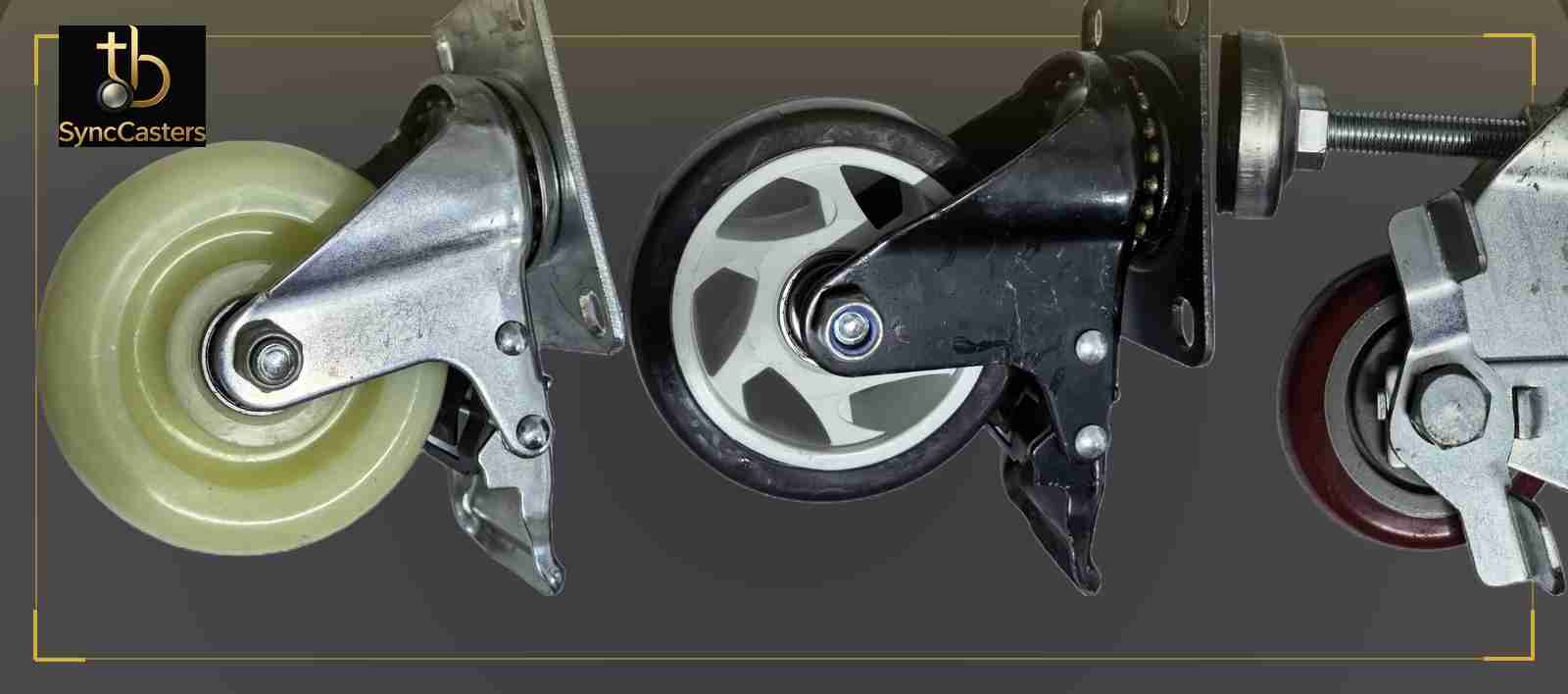
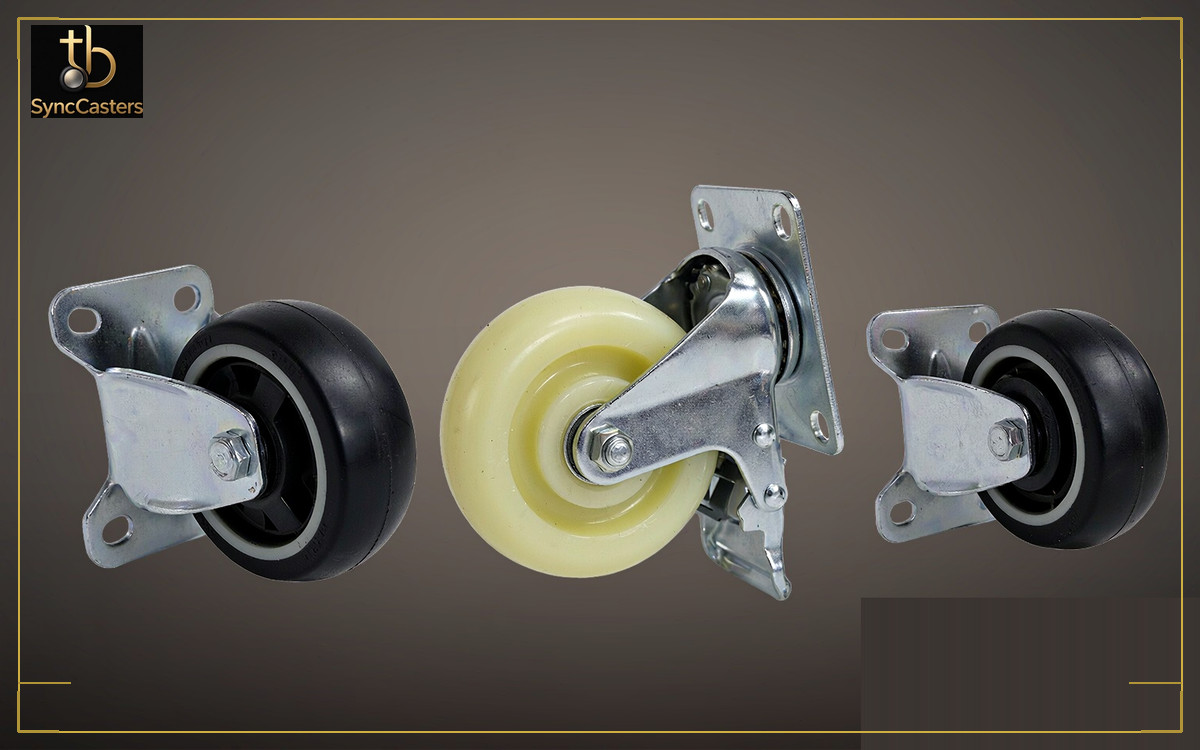
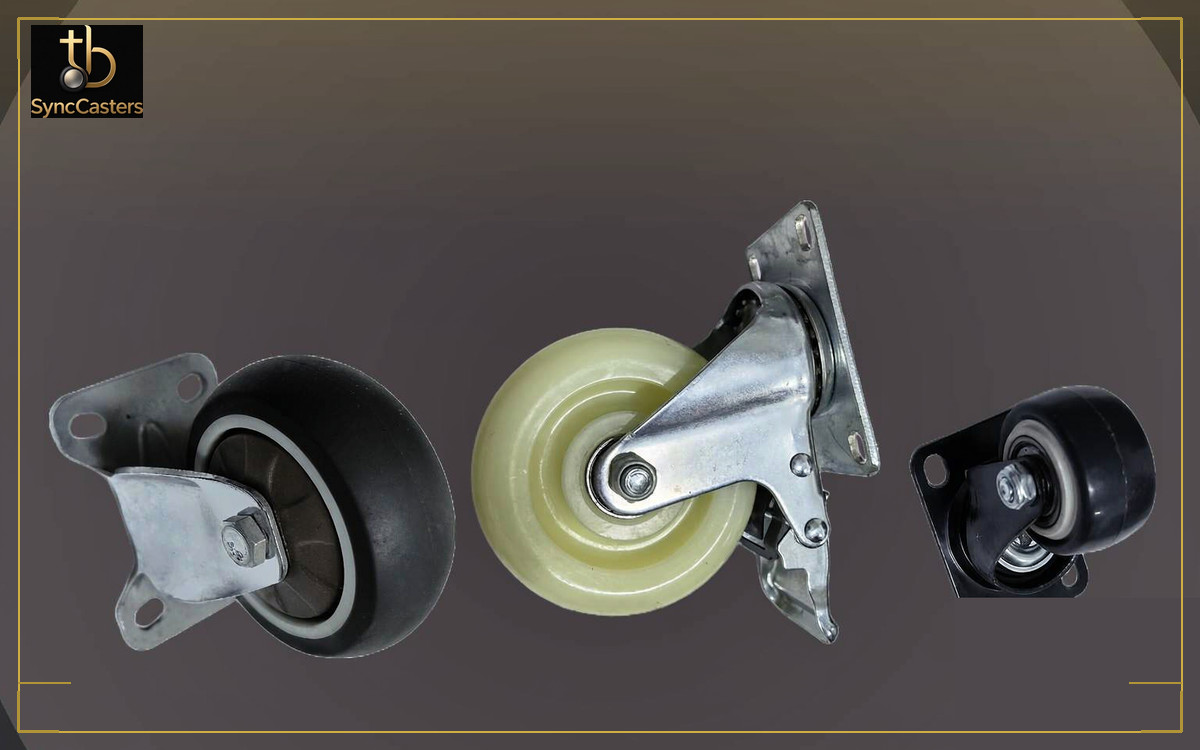
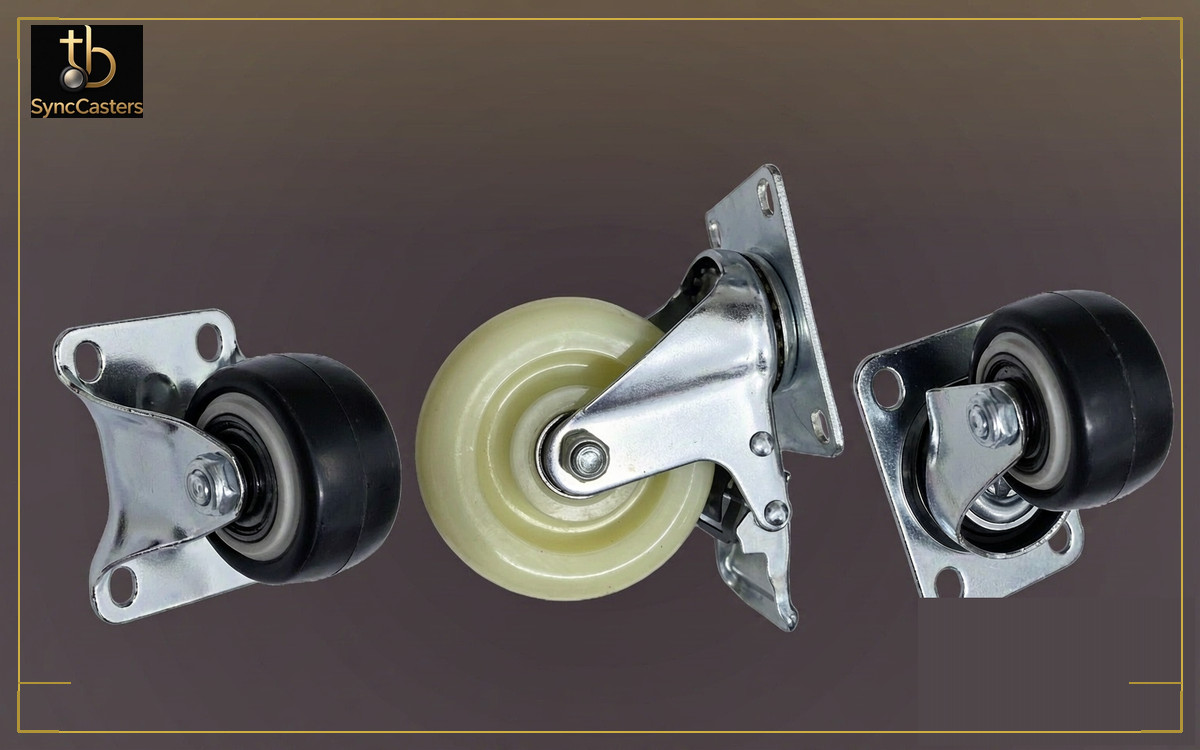
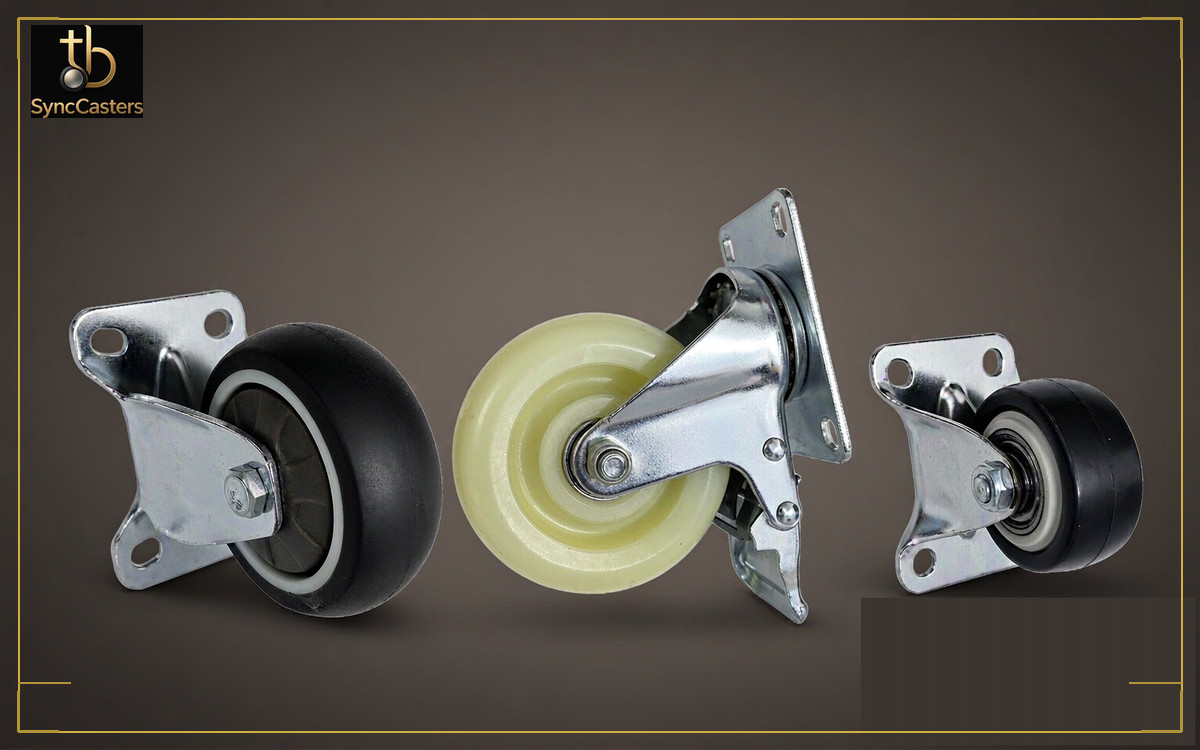
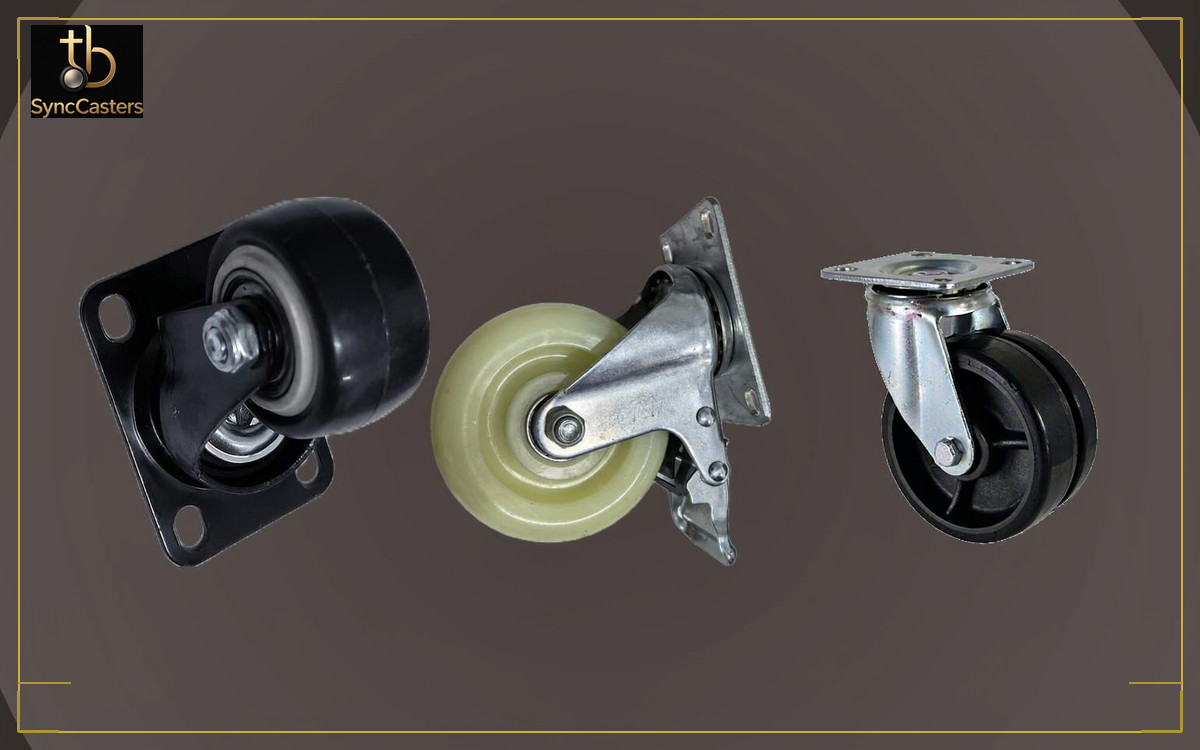
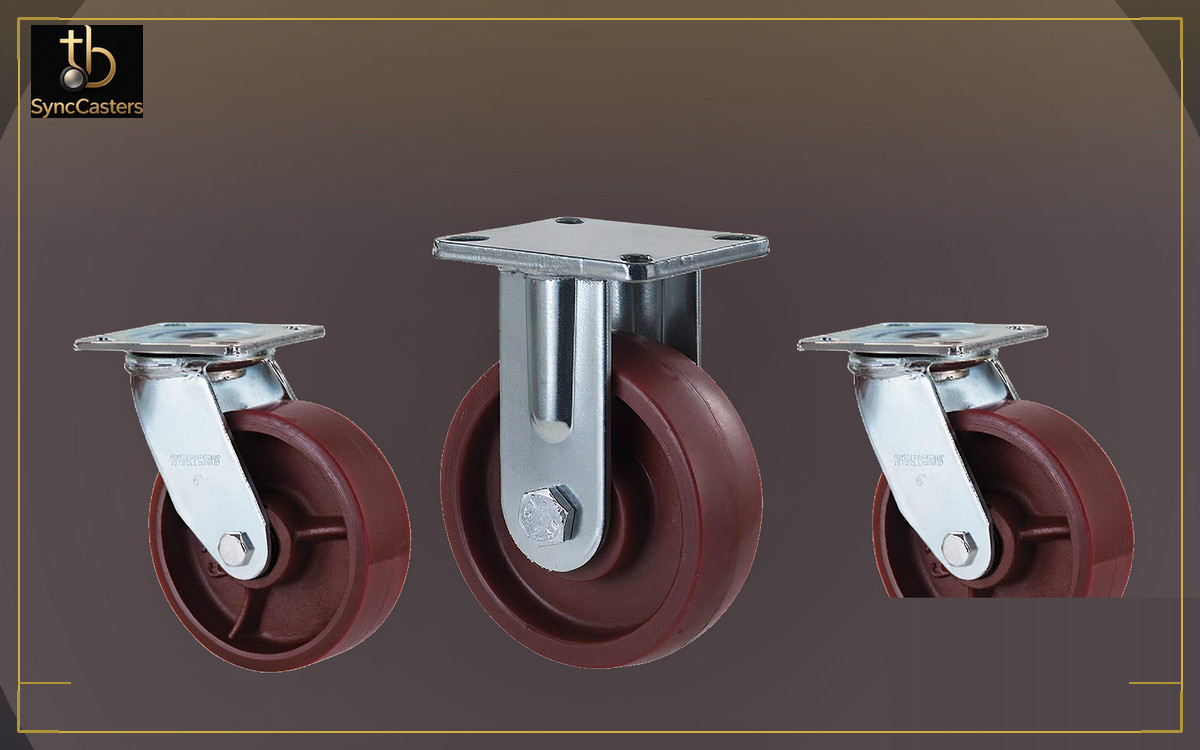
Casters mount in two main ways. Top-plate casters bolt to a flat frame using a bolt pattern spread across the plate, which distributes load widely and suits heavy equipment. Threaded-stem casters screw into a threaded hole or socket, which suits lighter equipment and tubular frames. The mounting style must match the equipment: verify the plate bolt pattern or stem diameter and thread before ordering, because a caster that does not fit the frame cannot be installed correctly. For leveling casters, the threaded foot itself is part of the mounting and must screw squarely into the support point without cross-threading.
Arrange Swivel and Rigid Casters for Control

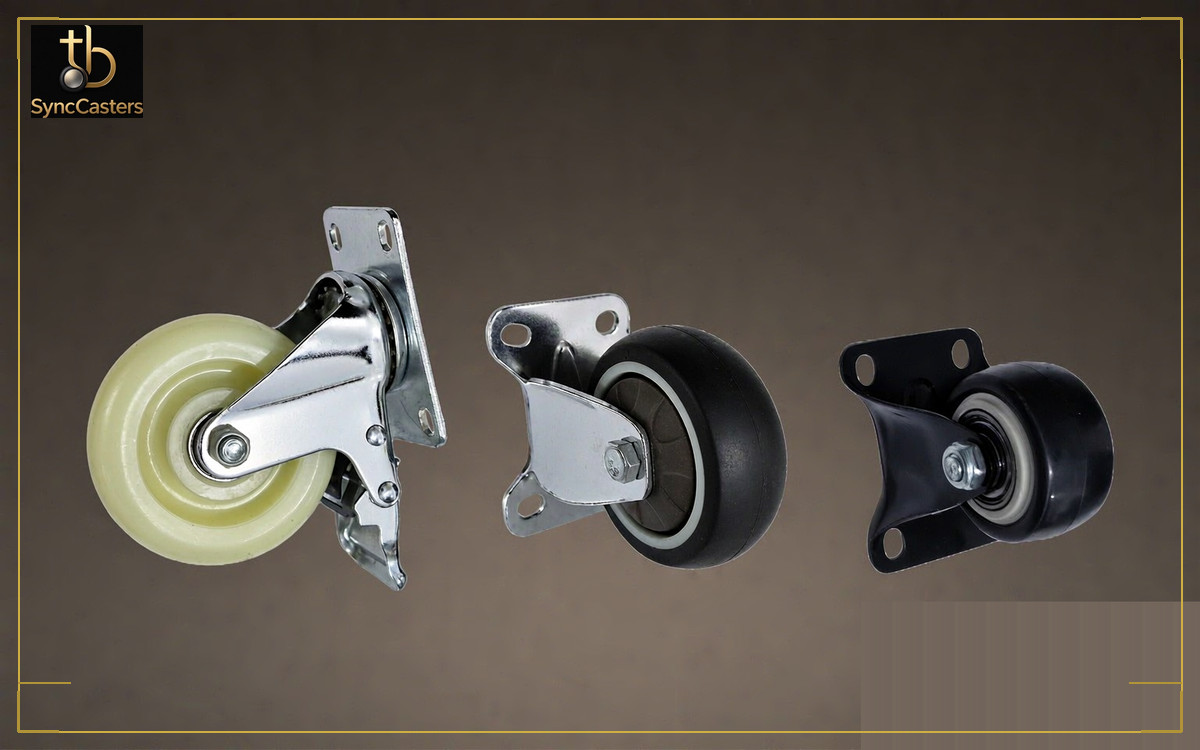
The arrangement of swivel and rigid casters determines how the equipment steers. The most stable, predictable setup is two swivel casters with brakes at the leading corners and two rigid casters at the trailing corners. This lets the operator steer from the front while the rear tracks straight. All-swivel configurations give maximum maneuverability in tight spaces but can wander. Avoid putting rigid casters at the front on pushed equipment, because it fights steering. Think about which corners lead when the cart moves, and mount swivel casters there.
Choose the Right Brake Type
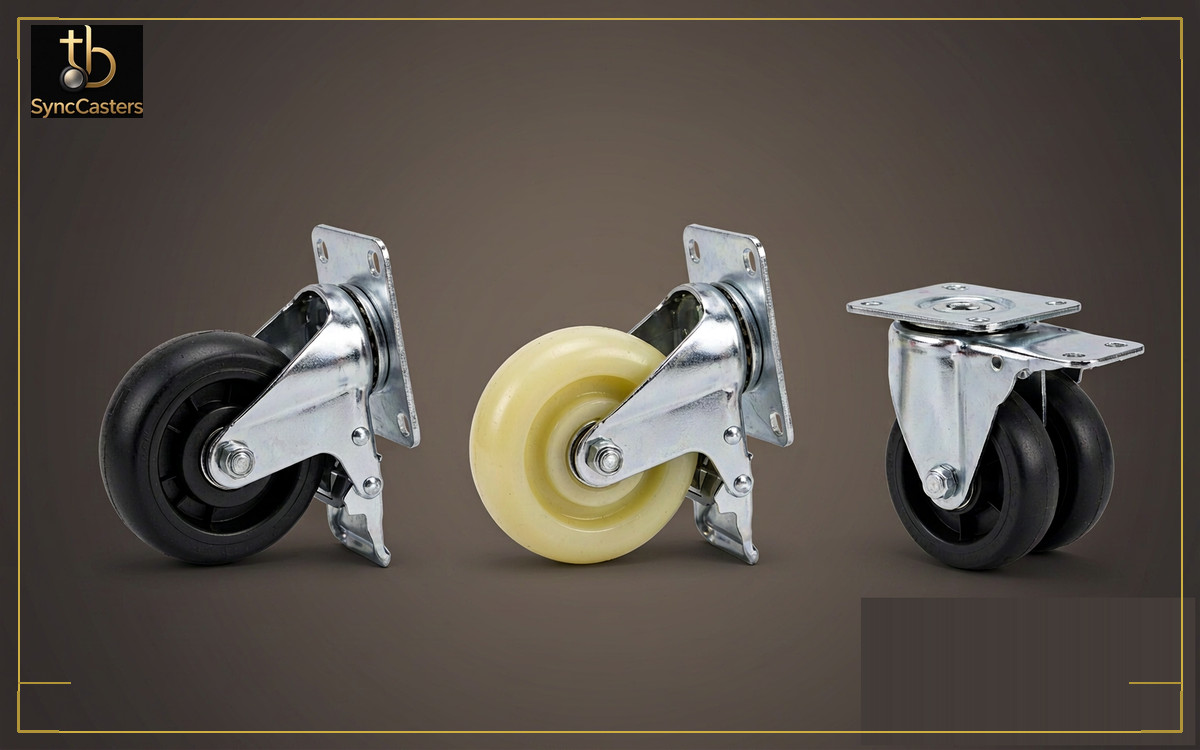
Brakes are selected by function, not by price. A side-lock brake stops the wheel rotating but lets the caster still swivel. A total-lock brake stops both wheel rotation and swivel at once, holding the equipment completely still. Directional locks keep a swivel caster tracking straight, useful for carts pushed down long aisles. For equipment that must stay stationary during work, such as machine workstations or leveling caster applications, total-lock brakes are the safe choice. Fit brakes on the corners operators can reach, and test that they engage firmly under load rather than slipping.
Table Name or Table Title
| Size | Resolution | LCD Type | Brightness (nits) | Interface | Viewing Angle (T/B/L/R) | Operation Temp. (°C) | Outline Dimension (mm) | Active Area (mm) |
| 1.28 inch | 240*240 | IPS | 350 | SPI | 85/85/85/85 | -20~70 | 35.6*37.74*1.55 | 32.40*32.40 |
| 1.28 inch | 240*240 | IPS | 350 | SPI | 85/85/85/85 | -20~70 | 35.6*37.74*1.55 | 32.40*32.40 |
| 1.3 inch | 240*240 | IPS | 1000 | SPI | 80/80/80/80 | -20~70 | 26.16*29.13*2.30 | 23.40*23.40 |
| 1.5 inch | 128*128 | IPS | 90 | SPI | 80/80/80/80 | -30~70 | 33.80*34*1.60 | 26.86*26.86 |
| 1.54 inch | 320*320 | IPS | 588 | SPI+RGB | 80/80/80/80 | -20~70 | 31.52*33.95*1.75 | 27.74*27.74 |
| 1.6 inch | 400*400 | IPS | 350 | QSPI | 85/85/85/85 | -20~70 | 45.87*42.94*2.11 | 39.84*39.84 |
| 1.6 inch | 400*400 | IPS | 200 | SPI | 80/80/80/80 | -20~70 | 42.94*45.89*2.00 | 29.84*39.84 |
| 2.1 inch | 480*480 | IPS | 300 | MIPI | 80/80/80/80 | -20~70 | 56.18*59.71*2.30 | 53.28*53.28 |
| 2.1 inch | 480*480 | IPS | 300 | SPI+RGB | 85/85/85/85 | -20~70 | 56.18*59.71*2.30 | 53.28*53.28 |
| 2.1 inch | 480*480 | IPS | 1000 | SPI+RGB | 85/85/85/85 | -20~70 | 56.18*59.71*2.30 | 53.28*53.28 |
| 2.8 inch | 480*480 | IPS | 350 | SPI+RGB | 85/85/85/85 | -20~70 | 73.03*76.48*2.30 | 70.13*70.13 |
| 2.8 inch | 480*480 | IPS | 350 | MIPI | 85/85/85/85 | -20~70 | 73.03*76.48*2.30 | 70.13*70.13 |
| 3.4 inch | 480*480 | IPS | 550 | MIPI | 80/80/80/80 | -20~70 | 65.72*69.48*2.45 | 60.48*60.48 |
| 3.4 inch | 800*800 | IPS | 350 | MIPI | 85/85/85/85 | -20~70 | 94.90*96.95*2.50 | 87.60*87.60 |
| 3.4 inch | 800*800 | IPS | 1000 | MIPI | 85/85/85/85 | -20~70 | 96.60*99.79*3.80 | 87.60*87.60 |
| 3.4 inch | 800*800 | IPS | 1000 | MIPI | 85/85/85/85 | -20~70 | 96.60*99.05*2.71 | 87.60*87.60 |
| 4.0 inch | 720*720 | IPS | 350 | MIPI | 80/80/80/80 | -20~70 | 84*84*3.46 | 71.93*71.93 |
| 4.0 inch | 720*720 | IPS | 320 | MIPI | 85/85/85/85 | -20~70 | 105.60*109.87*2.21 | 101.52*101.52 |
| 4.0 inch | 720*720 | IPS | 1000 | MIPI | 85/85/85/85 | -20~70 | 107.60*111.87*3.80 | 101.52*101.52 |
| 5.0 inch | 1080*1080 | IPS | 350 | MIPI | 80/80/80/80 | -20~70 | 132.21*136.53*1.98 | 127.01*127.01 |
| 7.6 inch | 800*800 | IPS | 1000 | MIPI | 85/85/85/85 | -20~70 |
Installation Details That Prevent Failures
Correct mounting is where a good caster either succeeds or fails prematurely. The details below torque, clearance and installation height are the ones most often missed, and they are the ones that cause the most early failures.
Torque Bolts Evenly and Check Height



Image caption

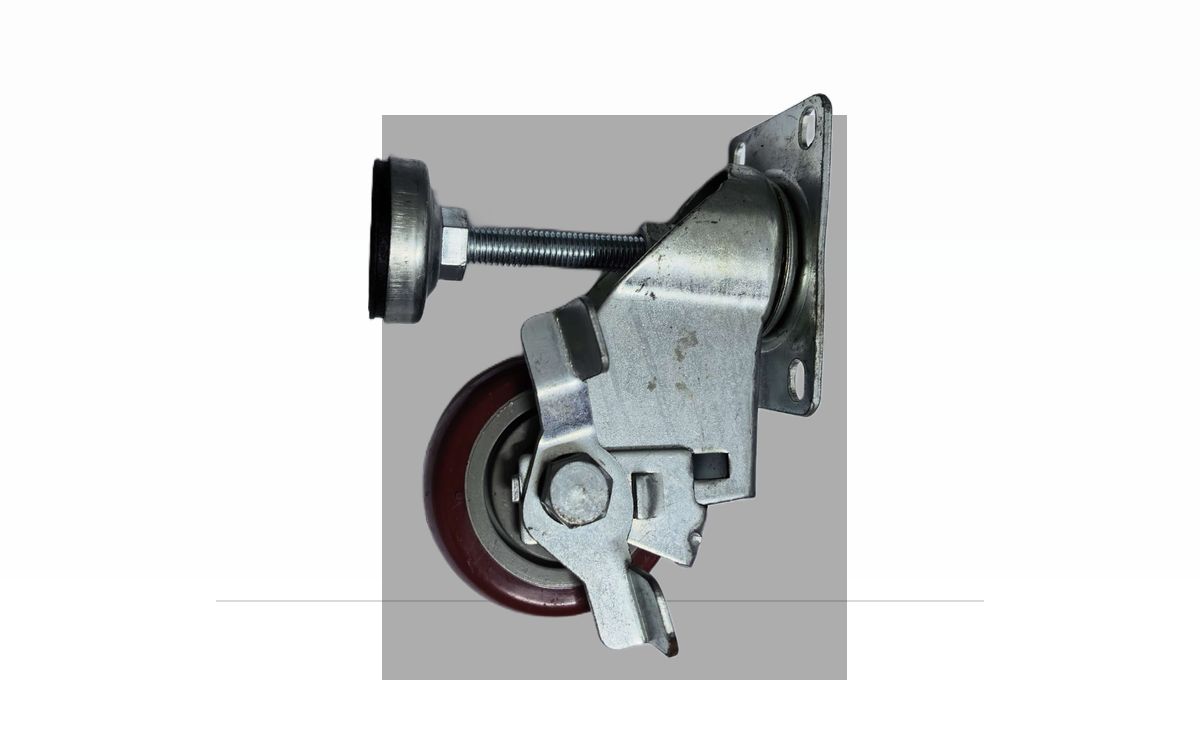
Loose mounting bolts are a hidden cause of caster failure. Tighten plate bolts in a diagonal pattern to the recommended torque, so the plate sits flat against the frame without twisting. After installation, check that all four casters touch the floor evenly; if one is airborne, the others carry extra load exactly the uneven-floor condition the N-1 method warns about. For leveling casters, adjust each threaded foot so the equipment sits level and the load transfers to the feet rather than the wheels when stationary. This single check prevents a surprising number of premature failures.
Mind Wheel Direction and Clearance

Wheels need clearance from the frame, obstructions and each other. When installing, ensure the swivel caster can rotate 360 degrees without hitting the frame, brackets or adjacent equipment. Check that the wheel tread clears any edge or lip on the base. On tight equipment footprints, twin-wheel or compact swivel designs may be needed to keep the turning circle small. A caster that cannot swivel freely because it rubs the frame behaves like a rigid caster and pushes hard, which fatigues operators and damages floors.
Verify Installation Height Against Design
Installation height affects how the whole equipment sits. Adding or changing casters changes the equipment's working height, which matters for machines that must align with conveyors, benches or adjacent tools. Measure the overall installation height after fitting and compare it with the equipment design. Leveling casters compensate for floor variation and height differences, which is exactly why machine builders choose them: install the caster, move the machine, then level the foot to the exact working height your process needs.
SyncCasters for Correct Installation
SyncCasters supplies casters with clear mounting options: top plates with standard bolt patterns, threaded stems for lighter frames, and leveling casters from 1.5 to 4 inches with precision height-adjustment feet for machine tools, display racks, workbenches and industrial equipment. Our team advises customers on swivel and rigid arrangement, brake selection and bolt patterns for OEM and replacement installs alike. When you specify casters with your frame dimensions and how the equipment moves, we help you install them right the first time, so they last.
More table of product spec
| Size | Resolution | LCD Type | Brightness (nits) | Interface | Viewing Angle (T/B/L/R) | Operation Temp. (°C) | Outline Dimension (mm) | Active Area (mm) |
| 1.28 inch | 240*240 | IPS | 350 | SPI | 85/85/85/85 | -20~70 | 35.6*37.74*1.55 | 32.40*32.40 |
| 1.28 inch | 240*240 | IPS | 350 | SPI | 85/85/85/85 | -20~70 | 35.6*37.74*1.55 | 32.40*32.40 |
| 1.3 inch | 240*240 | IPS | 1000 | SPI | 80/80/80/80 | -20~70 | 26.16*29.13*2.30 | 23.40*23.40 |
| 1.5 inch | 128*128 | IPS | 90 | SPI | 80/80/80/80 | -30~70 | 33.80*34*1.60 | 26.86*26.86 |
| 1.54 inch | 320*320 | IPS | 588 | SPI+RGB | 80/80/80/80 | -20~70 | 31.52*33.95*1.75 | 27.74*27.74 |
| 1.6 inch | 400*400 | IPS | 350 | QSPI | 85/85/85/85 | -20~70 | 45.87*42.94*2.11 | 39.84*39.84 |
| 1.6 inch | 400*400 | IPS | 200 | SPI | 80/80/80/80 | -20~70 | 42.94*45.89*2.00 | 29.84*39.84 |
| 2.1 inch | 480*480 | IPS | 300 | MIPI | 80/80/80/80 | -20~70 | 56.18*59.71*2.30 | 53.28*53.28 |
| 2.1 inch | 480*480 | IPS | 300 | SPI+RGB | 85/85/85/85 | -20~70 | 56.18*59.71*2.30 | 53.28*53.28 |
| 2.1 inch | 480*480 | IPS | 1000 | SPI+RGB | 85/85/85/85 | -20~70 | 56.18*59.71*2.30 | 53.28*53.28 |
| 2.8 inch | 480*480 | IPS | 350 | SPI+RGB | 85/85/85/85 | -20~70 | 73.03*76.48*2.30 | 70.13*70.13 |
| 2.8 inch | 480*480 | IPS | 350 | MIPI | 85/85/85/85 | -20~70 | 73.03*76.48*2.30 | 70.13*70.13 |
| 3.4 inch | 480*480 | IPS | 550 | MIPI | 80/80/80/80 | -20~70 | 65.72*69.48*2.45 | 60.48*60.48 |
| 3.4 inch | 800*800 | IPS | 350 | MIPI | 85/85/85/85 | -20~70 | 94.90*96.95*2.50 | 87.60*87.60 |
| 3.4 inch | 800*800 | IPS | 1000 | MIPI | 85/85/85/85 | -20~70 | 96.60*99.79*3.80 | 87.60*87.60 |
| 3.4 inch | 800*800 | IPS | 1000 | MIPI | 85/85/85/85 | -20~70 | 96.60*99.05*2.71 | 87.60*87.60 |
| 4.0 inch | 720*720 | IPS | 350 | MIPI | 80/80/80/80 | -20~70 | 84*84*3.46 | 71.93*71.93 |
| 4.0 inch | 720*720 | IPS | 320 | MIPI | 85/85/85/85 | -20~70 | 105.60*109.87*2.21 | 101.52*101.52 |
| 4.0 inch | 720*720 | IPS | 1000 | MIPI | 85/85/85/85 | -20~70 | 107.60*111.87*3.80 | 101.52*101.52 |
| 5.0 inch | 1080*1080 | IPS | 350 | MIPI | 80/80/80/80 | -20~70 | 132.21*136.53*1.98 | 127.01*127.01 |
| 7.6 inch | 800*800 | IPS | 1000 | MIPI | 85/85/85/85 | -20~70 |